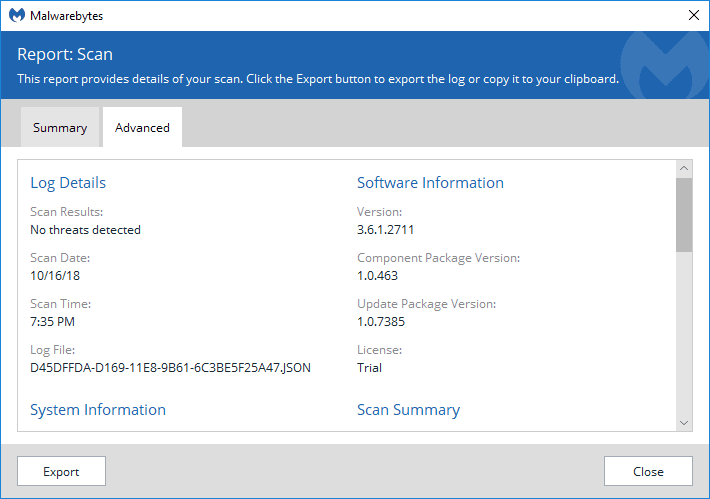
Having a great security scanner is a must, and some primary antivirus tools simply fail to provide sufficient protection when an infection slips through. Malwarebytes provides several layers of protection, but it is widely known as a very efficient malware scanner with an excellent database.
Trialing the Premium features
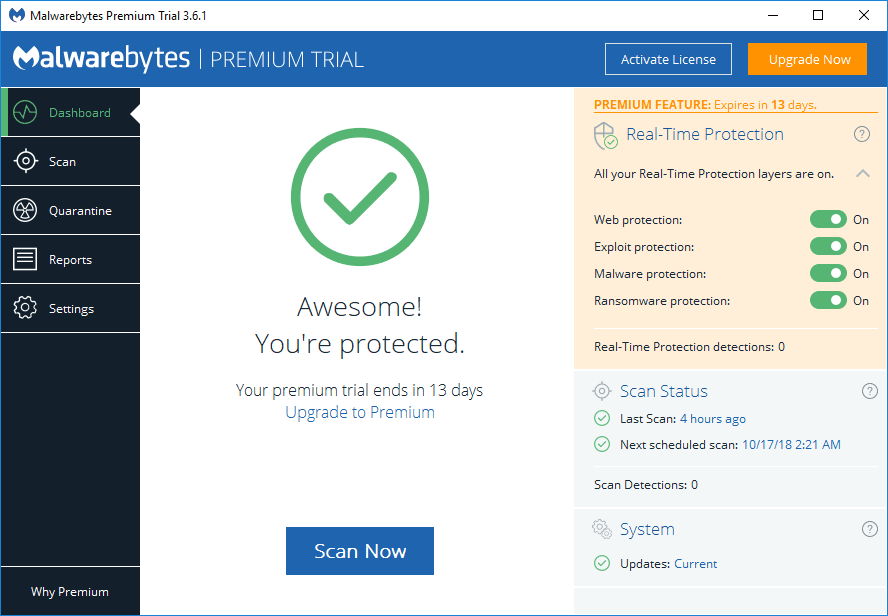
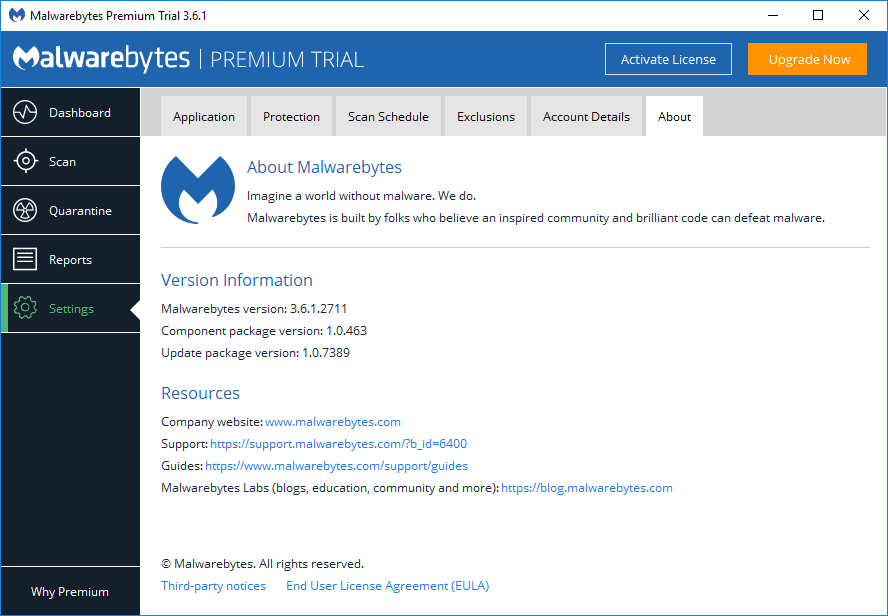
After you download and install the free version of the tool, you are greeted with a 14-day trial of the Premium tier. Once this period expires, you lose access to the real-time protection modules, which consist of Web, Exploit, Malware, and Ransomware defenses.Advanced threat recognition
Even after the trial ends, you still have a powerful scanner capable of hunting down malware already present on your machine. The software relies heavily on machine learning as a primary function, rather than just checking for known virus signatures, making Malwarebytes one of the most advanced tools for recognizing emerging threats.A capable secondary defense
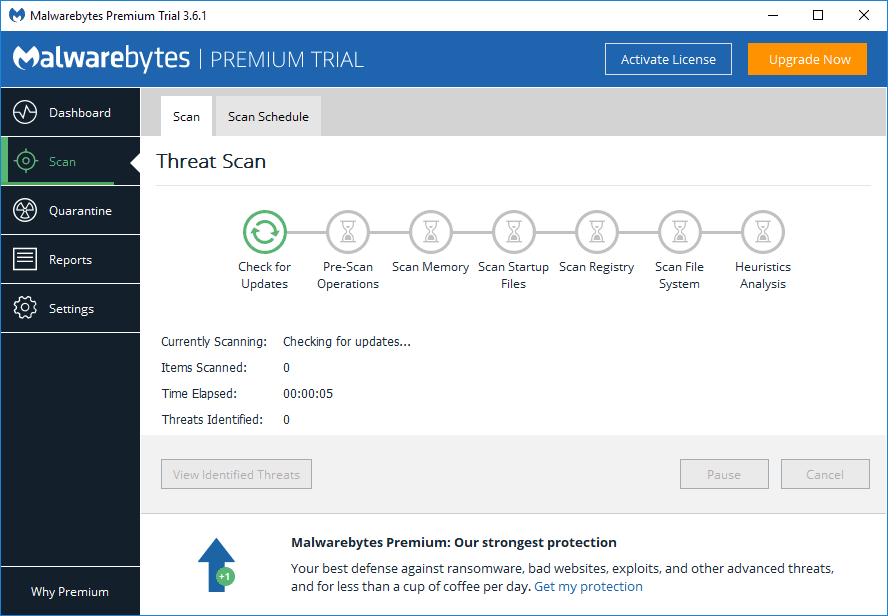
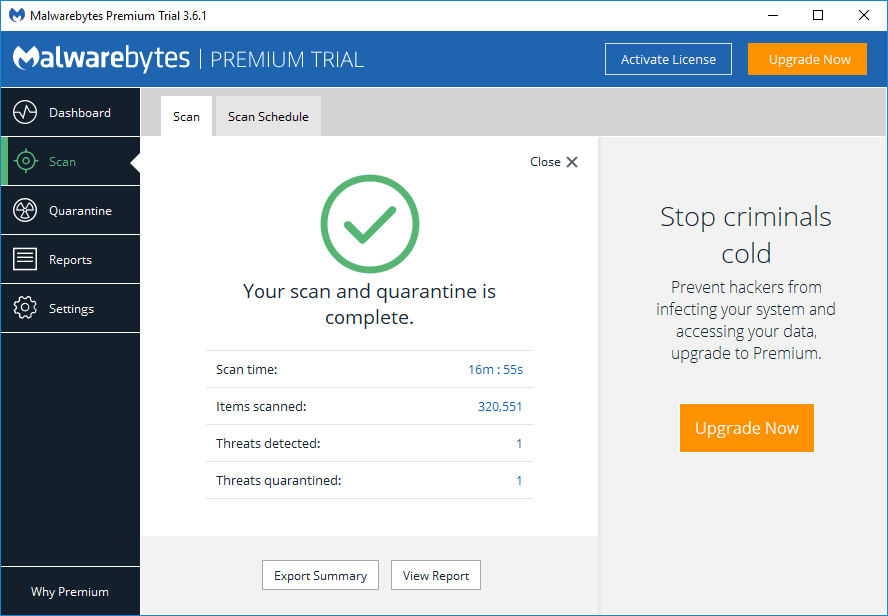
An amazing thing about Malwarebytes Free is that its scans are quick and efficient. While built-in OS security tools have improved their technologies over the years, having a dedicated on-demand scanner remains highly relevant. Its lack of real-time protection means the free version shouldn't act as a replacement for your current primary antivirus, but it is definitely a tool worth keeping on your computer.The ultimate backup scanner
Downloading the Free version with the included Premium trial is arguably the best way to get rid of a virus infestation that has gotten past your main antivirus. It remains a highly effective cleanup tool and definitely still lives up to its long-standing reputation.